Parking permits are used where users are able to buy a parking permit for access to parking. They are allocated to a specific carpark, with a start and end (expiry) date.
These are kept separate from standard carpool allocations by having specific setup for a parking permit bay (the user may not be parking in a specific physical bay, though that could be handled).
Parking permits are managed through the Users section of the administration portal. Within each user there is a dropdown which provides access to the permits.
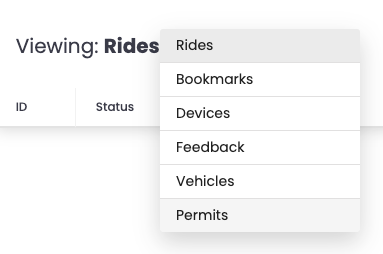
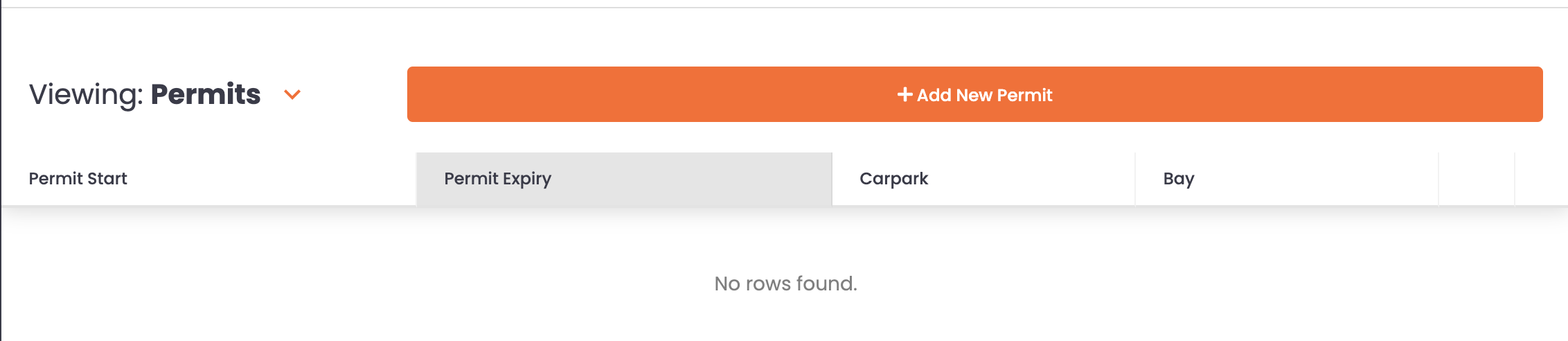
See this helpful tutorial which shows the simplicity of adding, amending and removing parking permits. Click the icon in the top-right of the viewer below to view the steps in full-screen mode.
Here's an interactive tutorial
It is recommended to click the icon to go into Full-Screen mode
When reviewing the carpark allocations in Allocations, the permit holders have a P in the middle of the vehicle.
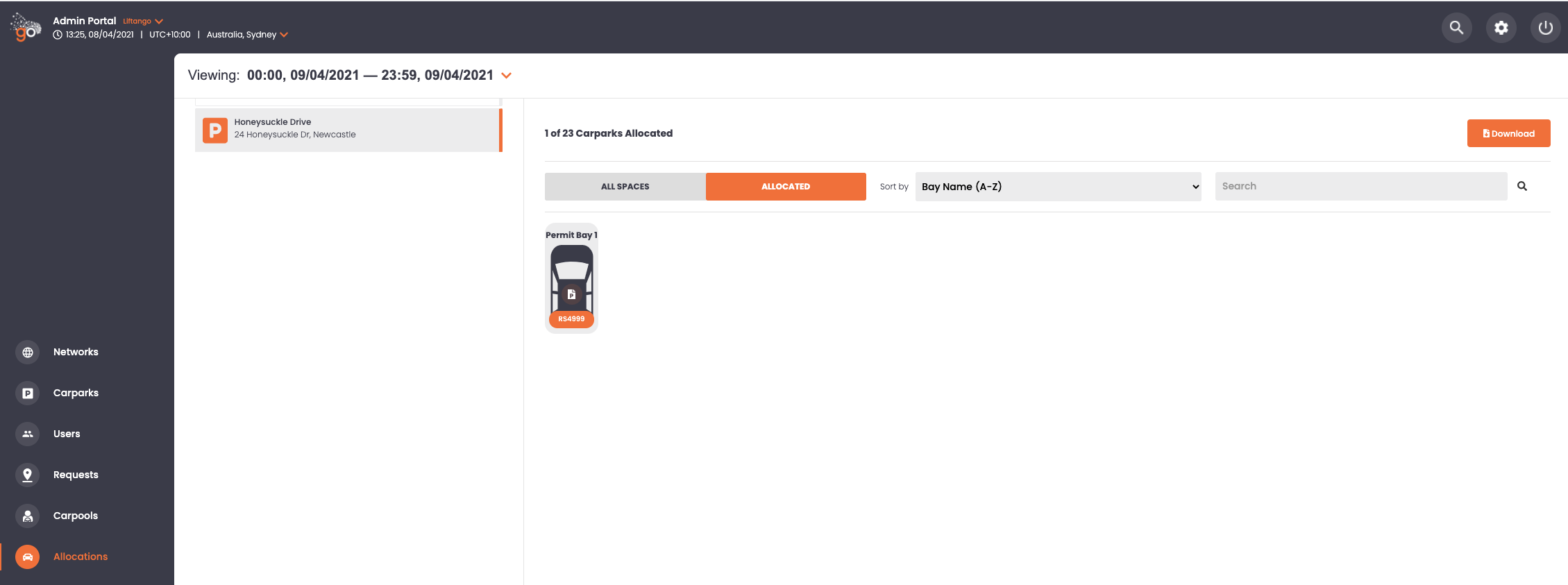
The Liftango support team configure the specific carpark(s) to provide the ability for administrators to add in the parking permit for users when applicable, so don't hesitate get in touch. If when selecting a carpark there are no permit bays available just contact us on support@liftango.com with the details of your requirements.
Let us know if this has been helpful by liking the article, if it needs more please let us know as we are always looking at ways to improve the self help information.
Was this article helpful?
That’s Great!
Thank you for your feedback
Sorry! We couldn't be helpful
Thank you for your feedback
Feedback sent
We appreciate your effort and will try to fix the article