This guide provides step-by-step tutorials to help teams with Trip Booking and Matching.
TABLE OF CONTENTS
- Why didn’t I get matched with anyone?
- What if my match cancels?
- Can I book multiple rides in advance?
- How do I cancel or update my carpool booking?
- How do I complete a ride?
- How do rewards work?
- Notifications aren’t coming through.
Why didn’t I get matched with anyone?
Description:
Please note that, as a standard rule, each driver can be matched with only one rider at a time. Furthermore, a ride request can only be matched if both the departure and arrival locations fall within a certain radius defined per network and the requested time frame.
Few things to consider:
Carpool bookings can only be made through the user’s mobile app.
There may be no available drivers or riders in your area or at your selected time. If this occurs, please consider adjusting your time window or trying again later.
Another alternative is to use the Private Rides feature. You can learn more about this through this Knowledge Article (Private Rides).
Your pickup and drop-off locations might be outside the active service radius.
What if my match cancels?
A standard carpool ride consists of one driver and one rider.
If a public carpool match is cancelled by either the driver or the rider, the ride will revert to the requested status and wait to be matched again.
Can I book multiple rides in advance?
Yes, you can book multiple rides in advance using the Repeat Ride feature, which generally allows scheduling recurring rides up to 7 days ahead, though this is subject to the network’s configurations. When creating a repeated ride, select the desired dates and review the booking details before submitting. Invitees will receive a notification and can accept or decline each repeated ride individually.
For more information or detailed instructions, you may check this Knowledge Article (Repeated Rides Feature).
How do I cancel or update my carpool booking?
Please note: A user may only cancel a merged ride if both of the following conditions are met:
The current time is before the ride’s scheduled departure.
The driver has not yet started the ride.
In addition, a merged or matched ride cannot be updated, except for changes made to the driver’s vehicle. Conversely, for a requested ride, the user can freely edit any details, just as when creating a new ride.
For more information regarding the managing of carpool rides, you may check this Knowledge Article (How to Manage Carpool Requests and Trips).
How do I complete a ride?
After the ride, it is important to always tag the ride as Completed as some organizations require completion in order to earn rewards.
For more information regarding this, you may check this Knowledge Article (How to Start/Complete Your Carpool Trip).
With regards to the time when is a user allowed to complete a ride, you can check this Knowledge Article for more info (Ride Start and Ride Complete Threshold).
How do rewards work?
The "Reward" feature in the app allows users to earn rewards through carpooling. This is viewable on the side of the mobile app under "Rewards".
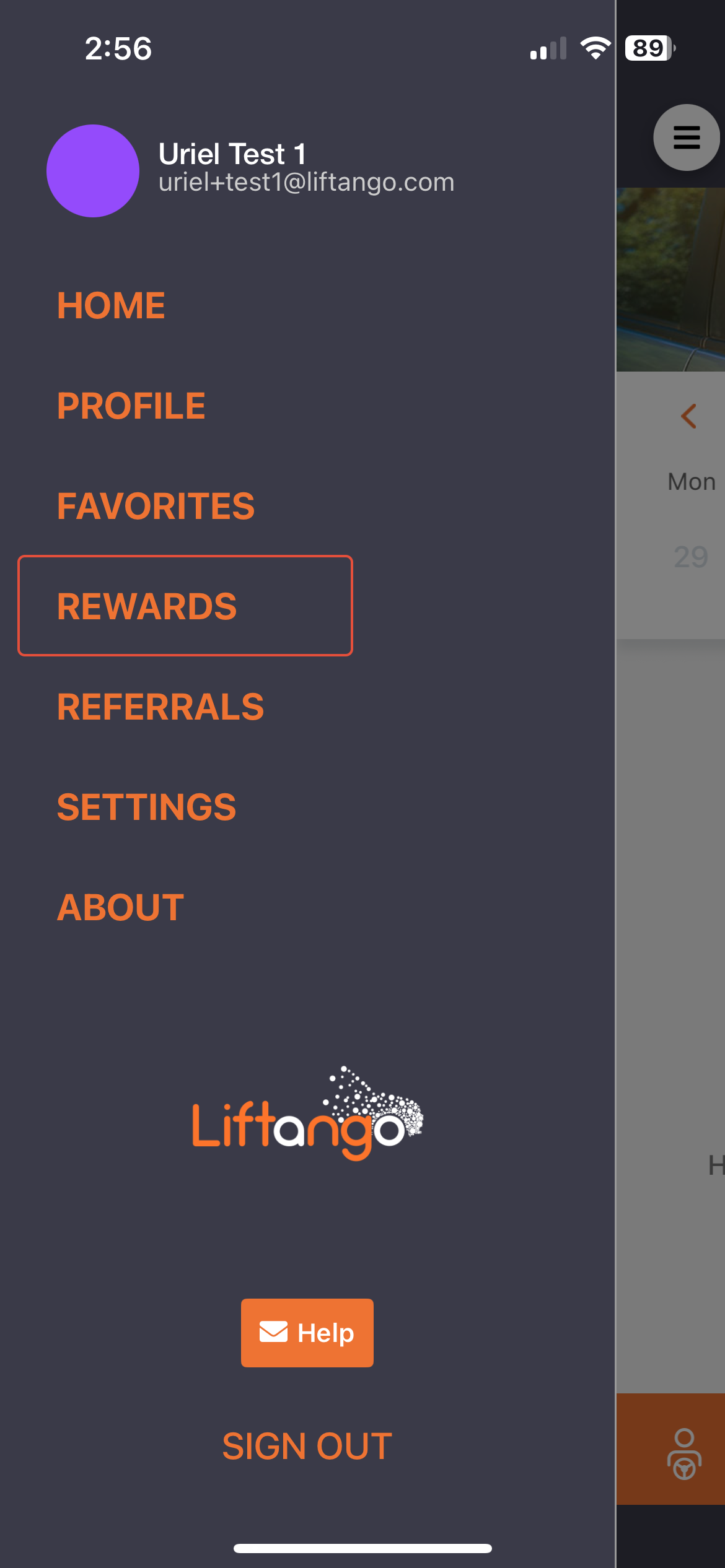
Rewards may vary by organization. For more information, please contact your organization directly.
Notifications aren’t coming through.
If the notifications aren't coming through, you may need to enable push notifications for your booking updates.
You may check this Knowledge Article for more information (Carpool Mobile App – Troubleshooting Notifications & Alerts).
If you have any more questions, please let us know at support@liftangocom.
Was this article helpful?
That’s Great!
Thank you for your feedback
Sorry! We couldn't be helpful
Thank you for your feedback
Feedback sent
We appreciate your effort and will try to fix the article