This guide provides clear steps to help teams diagnose, triage, and resolve common Admin Portal questions.
TABLE OF CONTENTS
General overview of Admin Portal
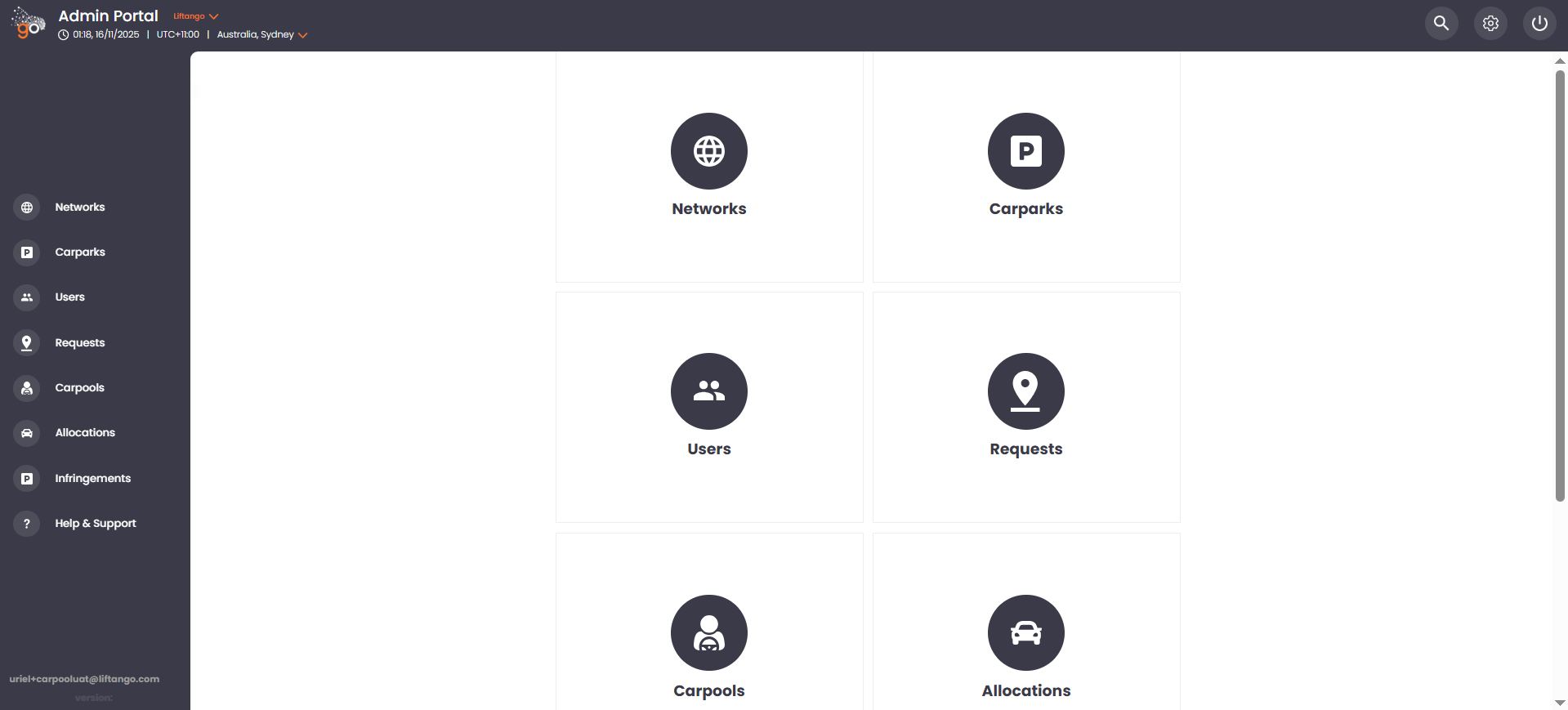
The Admin Portal is designed to manage networks, carparks, users, and vehicles, as well as to review rides created and shared by carpoolers. Please note that ride creation is not available in the Admin Portal. This functionality is exclusively accessible through the mobile application.
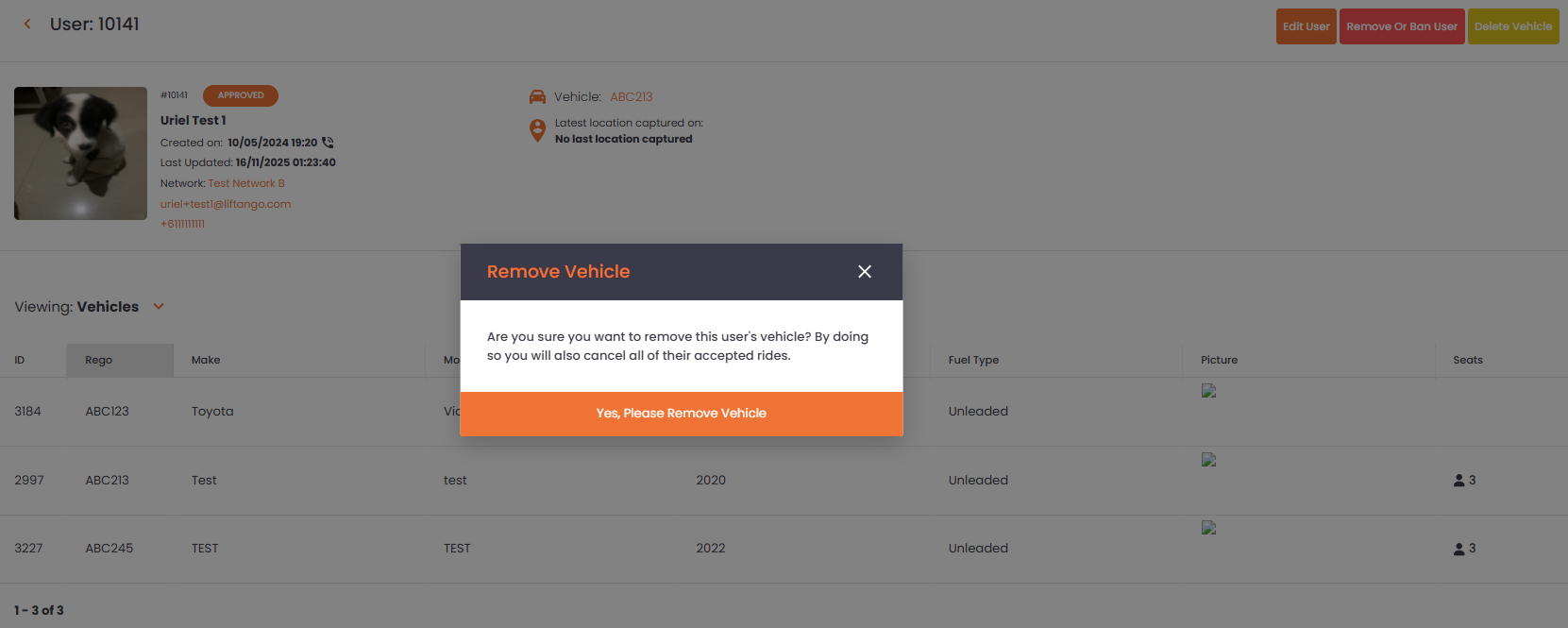
Here in the admin portal, users are allowed to edit a profile, which includes the deletion of a vehicle. However, be wary that deleting a vehicle will necessarily delete all rides using the said vehicle.
Linking below some of the helpful Knowledge Articles for the use of Admin Portal.
Managing a Carpooler's Vehicle in the Portal
Admin Portal - Carpark Management
If Errors or Slowness Occur in the Portal
When issues such as “Network Error,” “Rocket Error,” general slowness, or similar portal-related problems occur, kindly try the following steps recommended below:
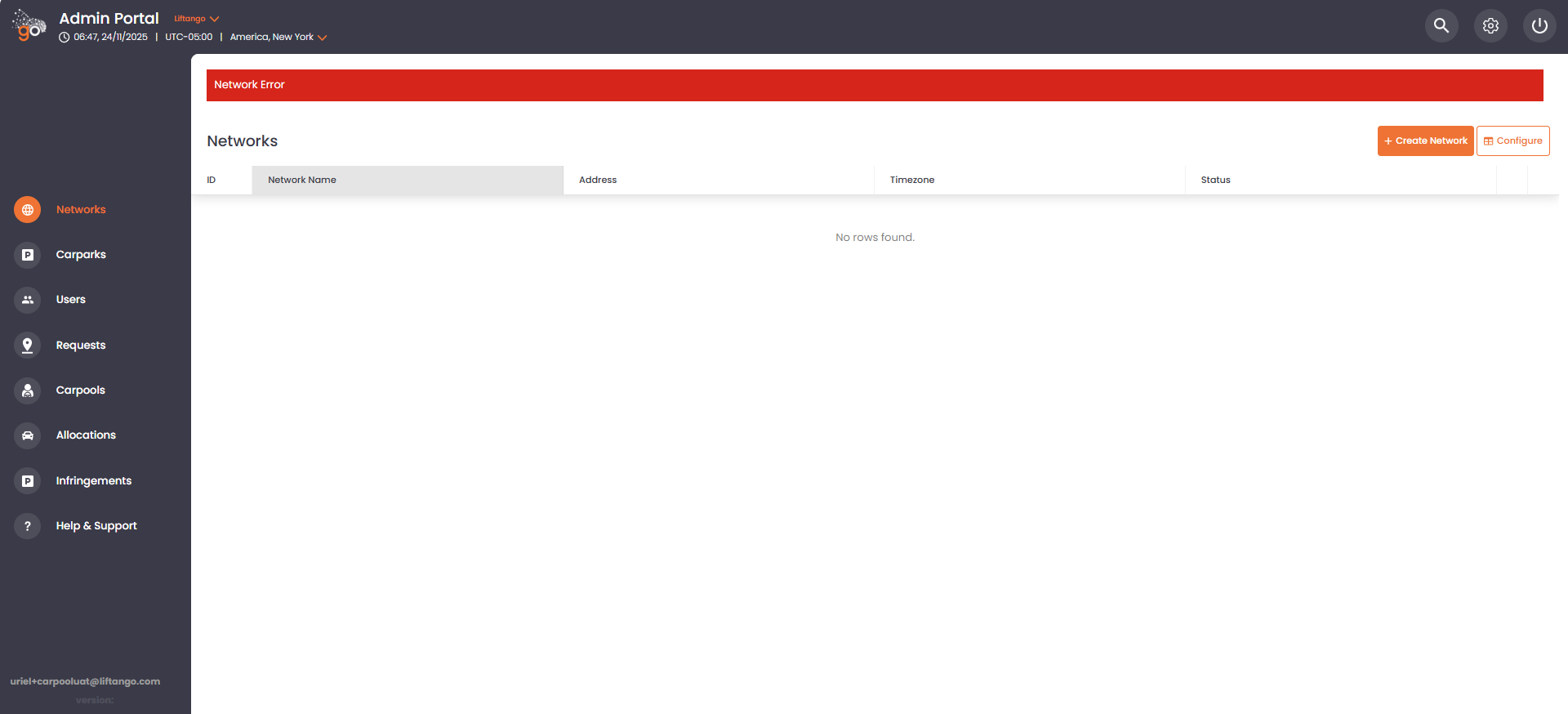
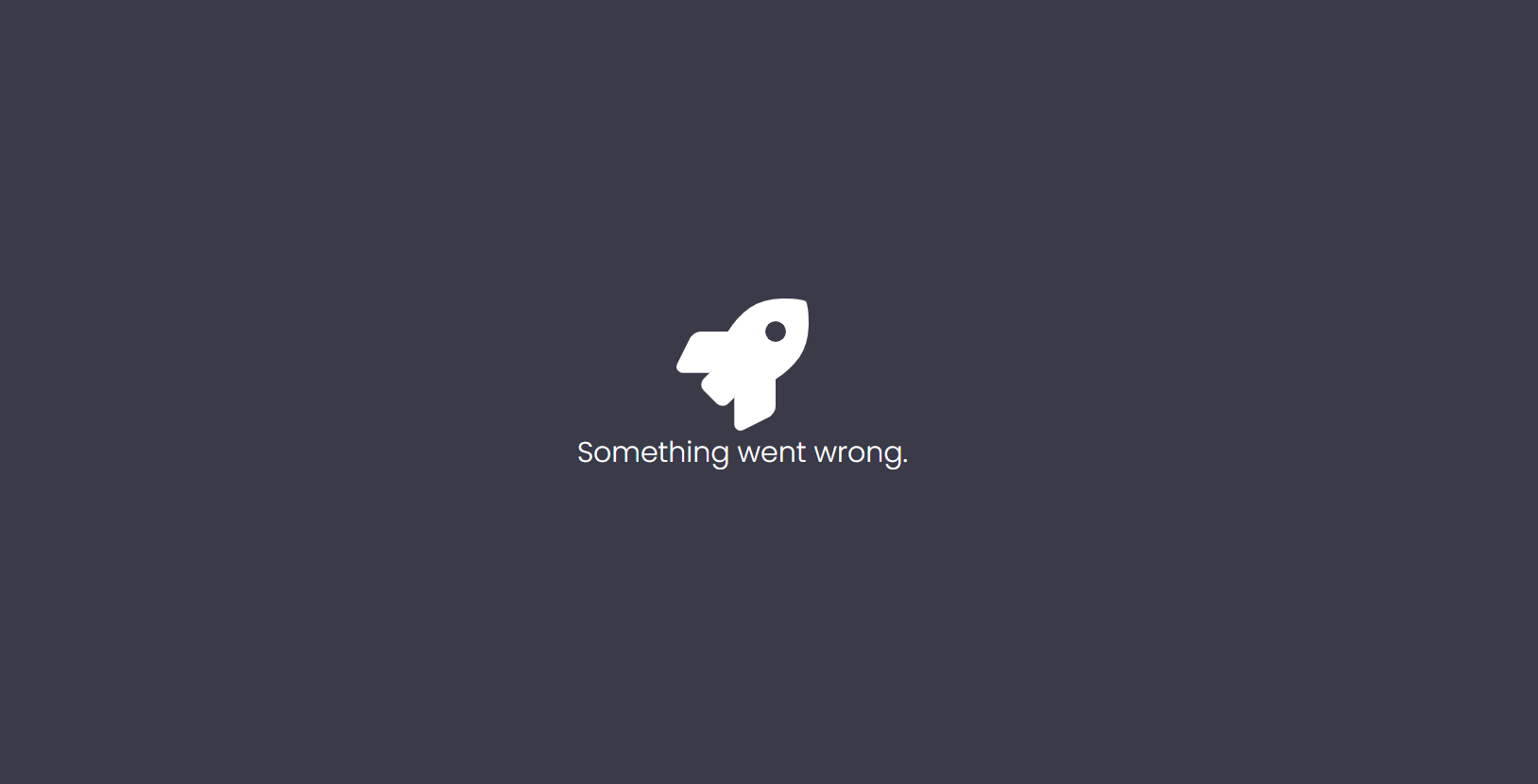
Workaround:
Verify Internet Connection
Ensure that a stable internet connection is available, then reload the portal.Check for Wider Impact
If the issue persists, confirm whether the same behaviour is affecting other users within the organisation.Use Developer Console for Additional Details
Technical logs can provide more insight into the issue:Windows: Press CTRL + Shift + J
Mac: Press Command + Option + J
The console will open and display detailed information similar to the example shown.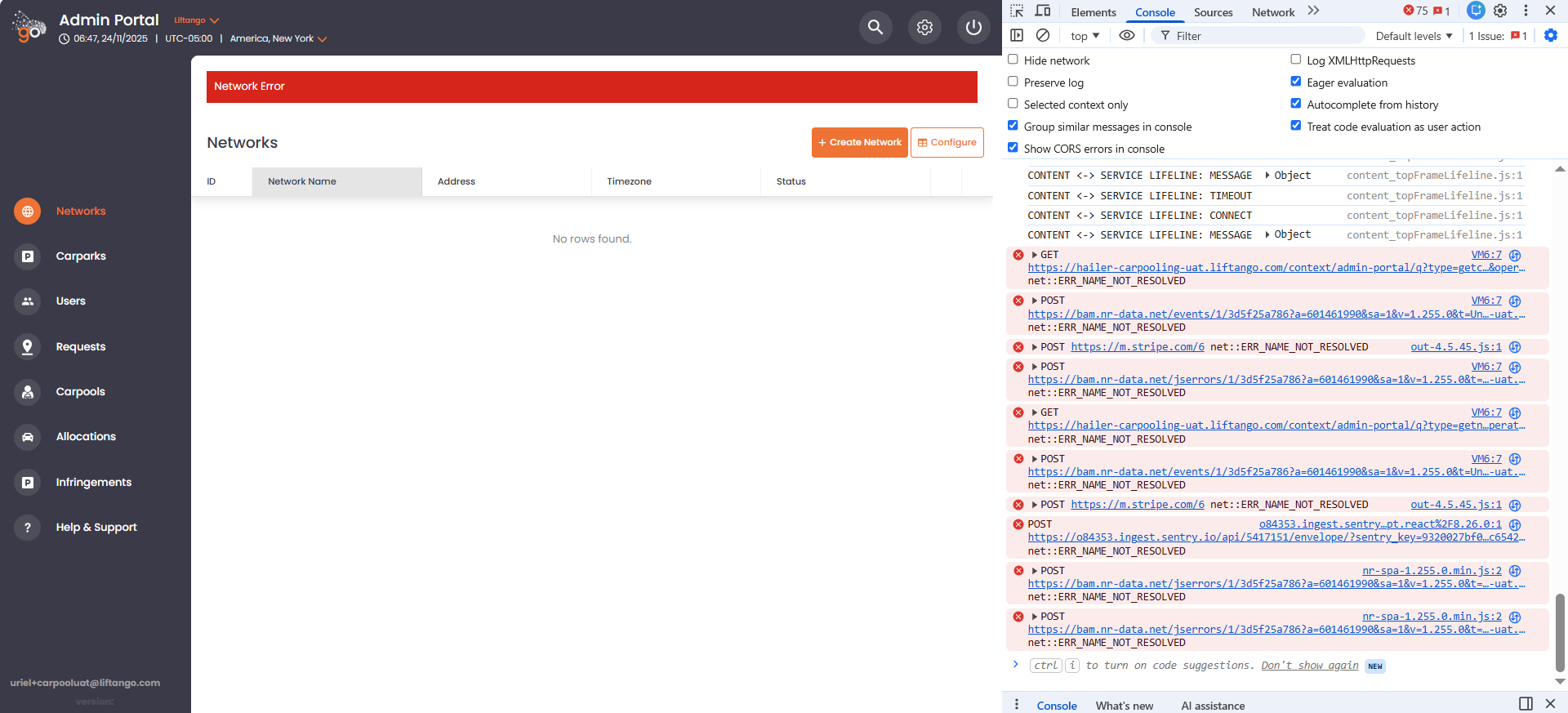
- Capture Relevant Information
Screenshots of the visible error message, console logs, and any additional details are highly valuable for further assessment. - Clear Browser Cache and Re-authenticate
Clear the browser cache, then log out and log back into the portal.
If the issue still persists, you may email us at support@liftango.com and attach all relevant information, such as:
- The workarounds you’ve already tried
- Whether other users are experiencing the same issue
- Screenshots of the error and console logs
If you have any questions or inquiries, please email us at support@liftango.com and we'll assist you.
Was this article helpful?
That’s Great!
Thank you for your feedback
Sorry! We couldn't be helpful
Thank you for your feedback
Feedback sent
We appreciate your effort and will try to fix the article